 TOP ADITA
Tutorial atualizado para o PSP
2022 ULTIMATE
Material Necessário:
k@rine_dreams_Pretty_Face_844_DECEMBRE_2009 luzcristina.pspimage1-2093 (mulher)
Masks
Flaming Pear / Fexify 2 Kiwi's Oelfilter
*
* 01- Abra uma nova imagem transparente de 1024 x 600 pixels
02- Primeiro Plano cor #872c15 / Plano de fundo cor #2c0000 Forme no Primeiro Plano um gradiente LINEAR ( Angle 0 / Repeats 1 / Invert marcado)
03- Preencha a transparência com o Gradiente. Effects / Plugins / Kiwi's Oelfilter / Zig Zack : 70/21/ 133/131
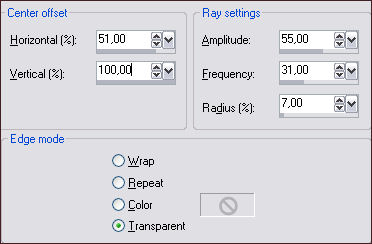
04- Effects / Distortion Effects / Spiky Halo:
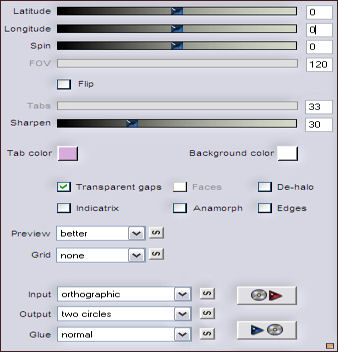
05- Effects / Distortion Effects / Polar Coordinates / Rectangular to polar / transparente. Image / Resize / 90% / Resize All Layers ...Desmarcado.
06- Adjust / Sharpness / Sharpen Layers / Duplicate
07- Selctions / Select All Selections / Float Layers / New Raster Layer
08- Abra o tube "k@rine_dreams_Pretty_Face_844_DECEMBRE_2009" Layers / Load / Save mask / Load mask from disk: mask 20-20 Layers / Merge / Merge Group
09- Copie o tube ... Retorne ao seu trabalho e cole na seleção. Selections / Select None Opacidade 24
Effects / 3D Effects / Drop Shadow: 0/-1/61/41,58/#000000
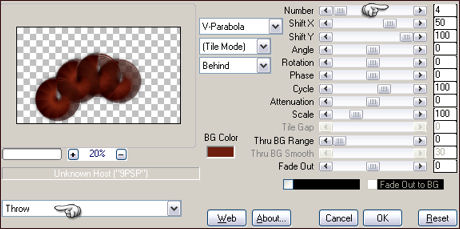
12- Effects / Plugins / Mura's Meister / Copies:
Effects / Image Effects / Offset : 0 / 40 /Custom / Transparente
13- Ative a Layer do fundo (Raster 1) Effects / Image Effects / Offset: 0/20/custom /transparente
14- Layers / Duplicate
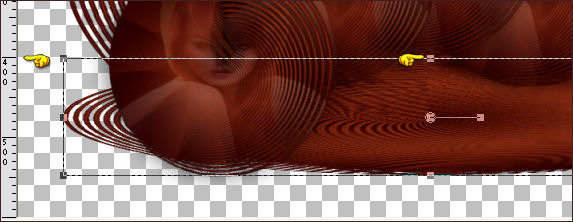
15- Usando a marca de central superior da ferramenta, mova a forma para 400 pixels de altura :
Tecla M para desativar a Ferramenta Layers / Arrange / Move Down
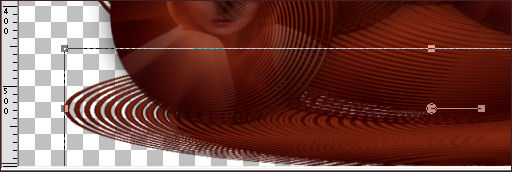
16- Ative novamente a ferramenta Deformation Tool ou a Pick Mova novamente agora Usando o marcador central arraste até 450 pixels de altura
Layers / New Raster Layer ...Preencha com a cor # 2c0000
18- Layers / Arrange send to bottom Layers / Merge / Merge Visible
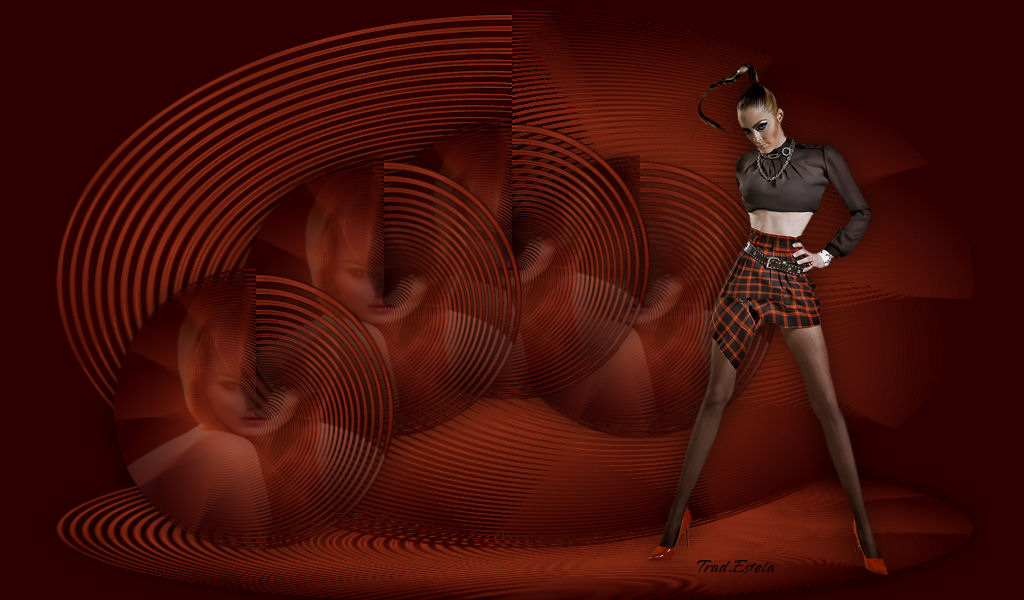
19- Abra o tube luzcristina.pspimage1-2093 (mulher) Copie e cole como nova layer
20- Image / Resize / 70% ...Resize All Layers ... Desmarcado.
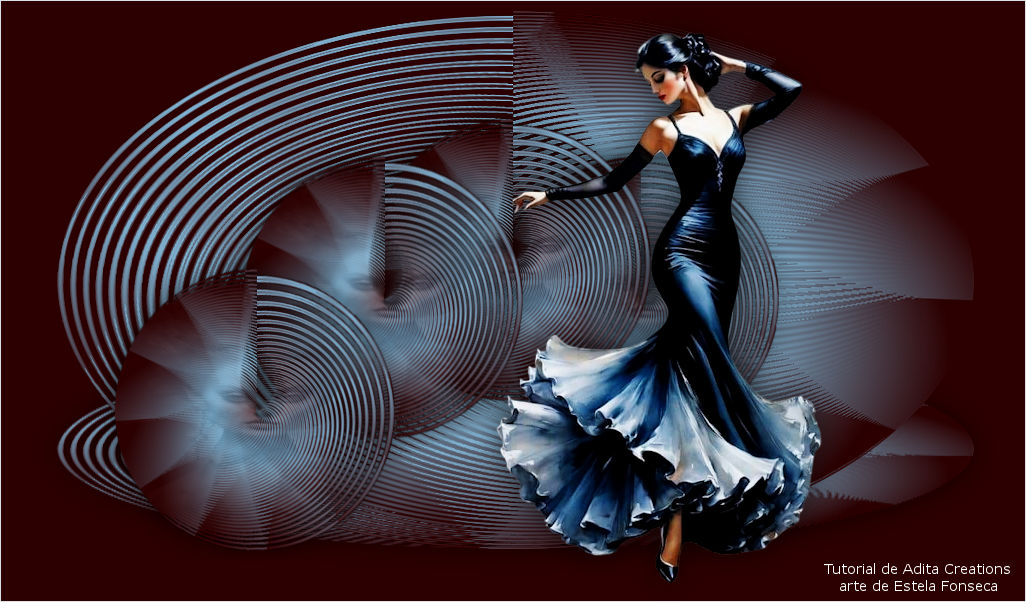
Coloque a direita (Veja Resultado Final)
21 - Assine seu trabalho Layers / Merge / Merge All Salve como JPG.
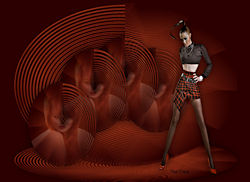
Versão com tubes de Pqna Alice:
©Tutorial traduzido por Estela Fonseca em 30 de
Abril de 2010. |